
AI quiz & exam generator Prepare for the exams that matter most
Turn PDFs, notes, slides and web pages into practice quizzes, exams and flashcards with answers and explanations — free to start.
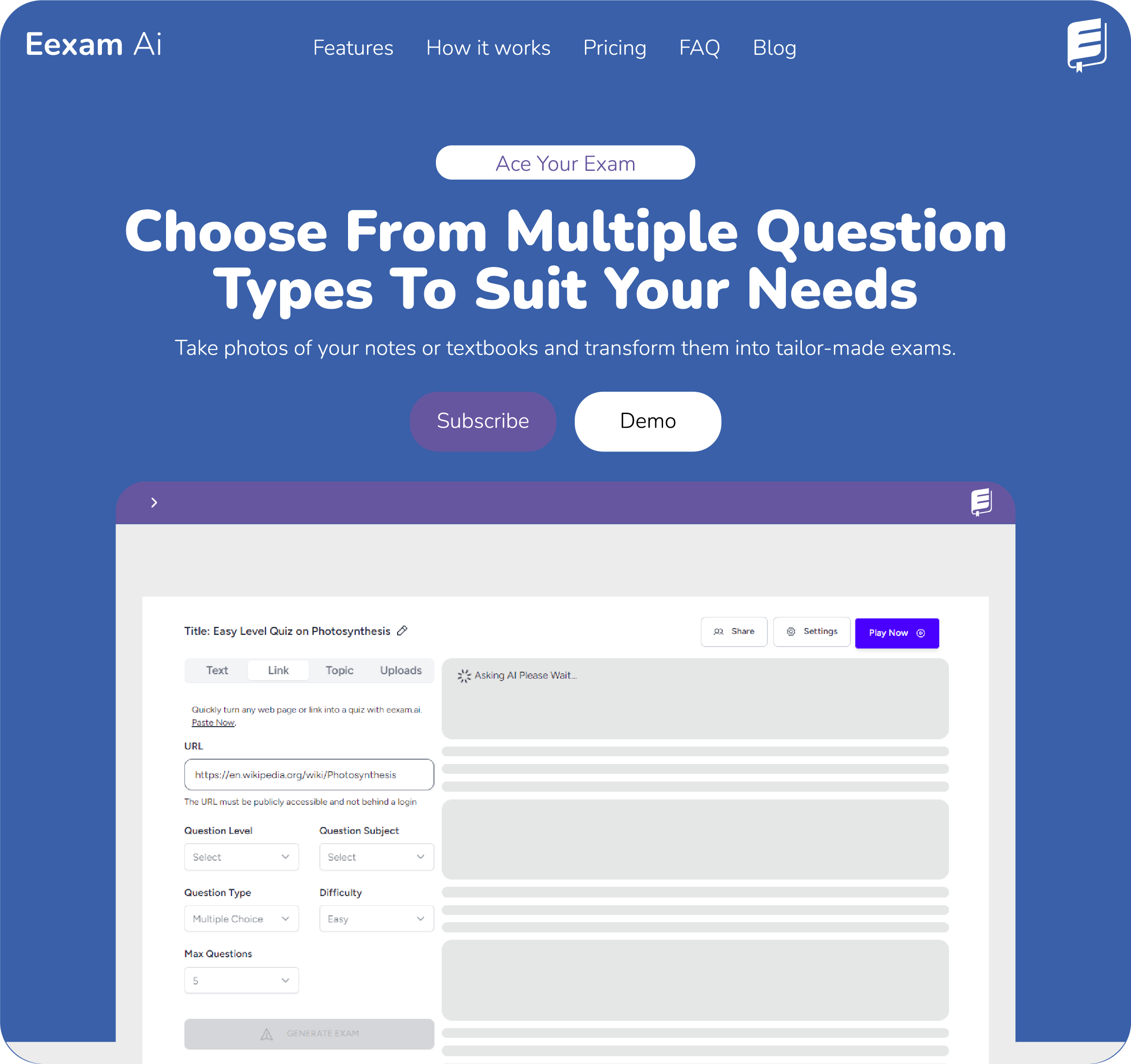
Built for students, teachers and schools
- 10k+
- Exams taken
- 15k+
- Students
- 20+
- Institutions
- 98%
- Satisfaction
Turn your material into exam‑ready practice
Start from what you already have, practise in more than one way, then see what still needs work.
Make a quiz from a PDF, notes or a link
Upload a PDF, a Word document or a photo of your textbook, paste your notes or a web link — or just type a topic. E-Exam builds practice around what you need to learn.
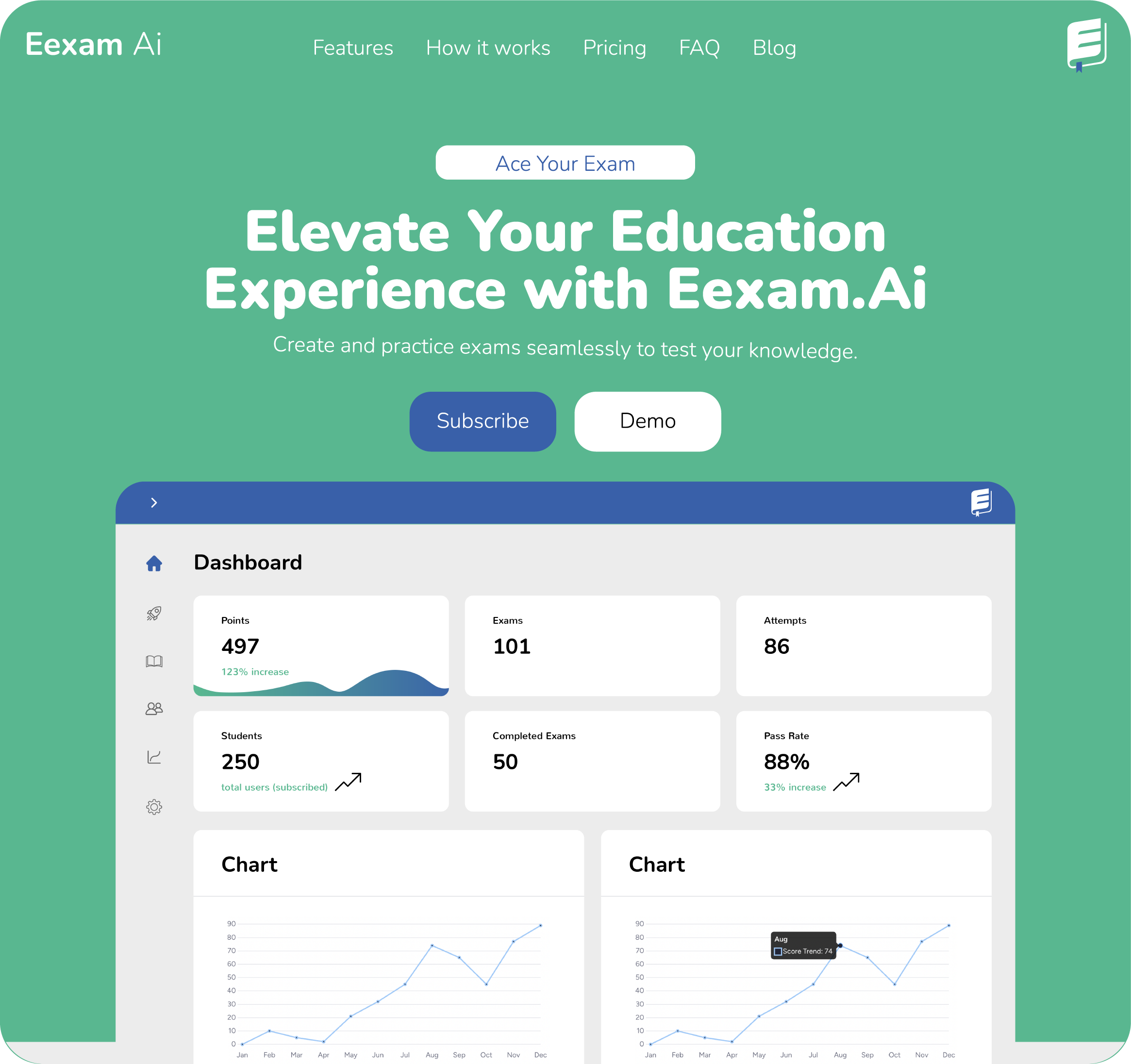
Generate quizzes, exams and flashcards with AI
Pick the question type, level and difficulty. AI writes the questions, the answers and a short explanation for each one.
A rectangle’s length grows by 20% and its width shrinks by 20%. What happens to its area?
- AIt increases by 4%
- BIt stays the same
- CIt decreases by 4%
- DIt decreases by 20%
Why: 1.2 × 0.8 = 0.96, so the area falls to 96% of the original.
AI grading — even for written answers
Objective questions mark instantly. Short answers and essays get a score and specific feedback, so you know exactly what to fix.
Explain why the rate of photosynthesis levels off at high light intensity.
AI feedback
Correctly names CO₂ as the limiting factor. Mention enzyme saturation in the Calvin cycle for full marks.
Find weak areas. Plan the next session.
Review results, return to hard topics, and spend your study time where it counts — not rereading what you already know.
Keep your revision moving
Study on your phone whenever you have a few minutes. Your quizzes stay ready for a quick review between classes.
An AI quiz maker, flashcard maker and grader in one
Generate from anything, practise in exam mode, and let AI mark the written answers — without jumping between tools.
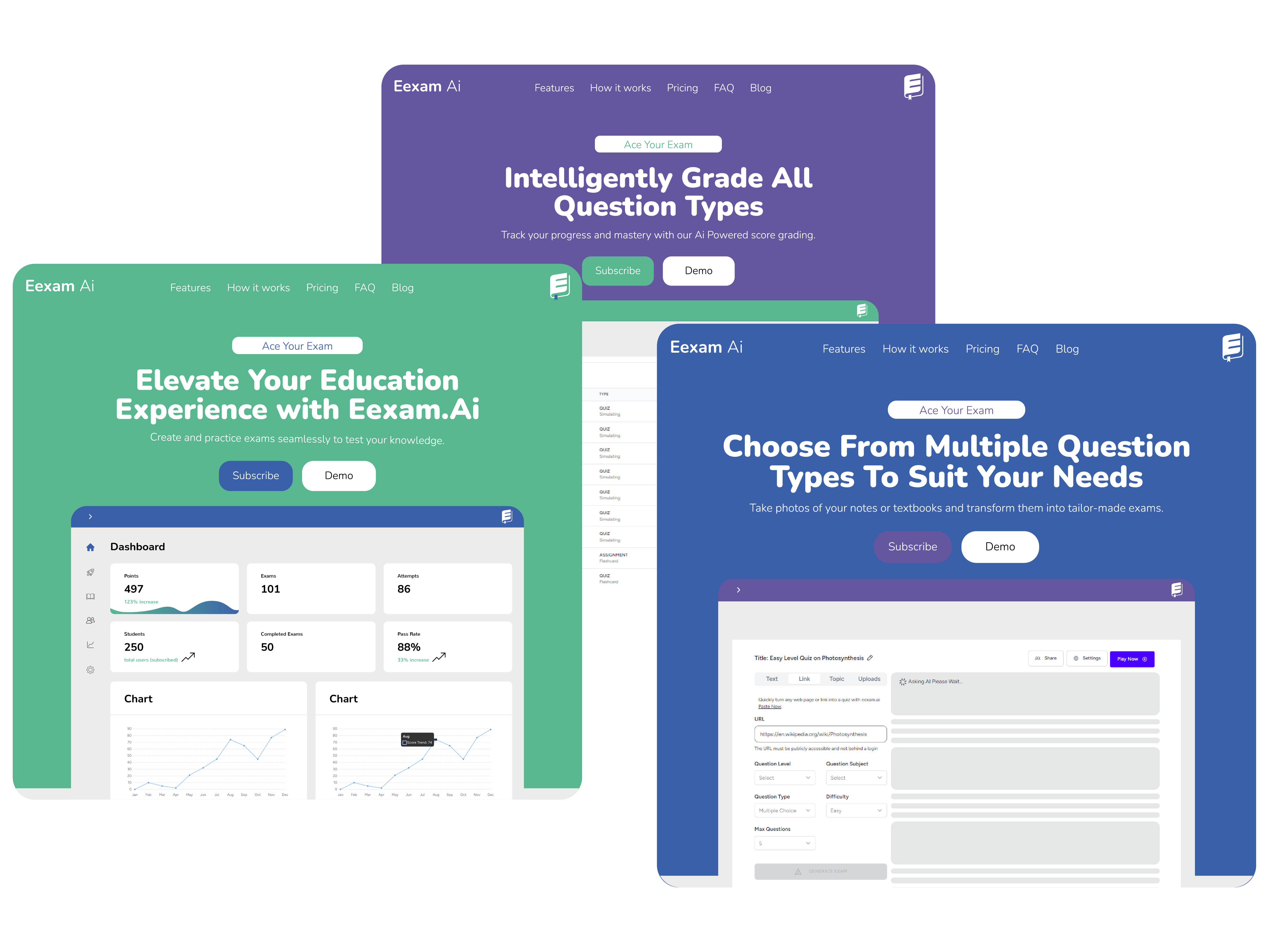
Every question type
Multiple choice, true/false, short answer, essay, matching and fill-in-the-blank.
Answers with explanations
Every item ships with a keyed answer and a short explanation, so revision keeps going after the score.
AI grading
Objective questions mark instantly. Short answers and essays get a score and feedback you can review.
Flashcards and notes
Turn the same source into flashcards and study notes for quick active-recall sessions.
Share with a class
Send a link, collect attempts, and see who has mastered the topic and who needs another pass.
Track progress
Scores, attempts and pass rates over time — so the next session goes where it counts.
Popular AI study tools
Loved by students and teachers
“I just passed my provisional. Practising with E-Exam the week before made all the difference.”
Trust Musikiri
HIT Student
“I paste my lesson notes and have a marked quiz for my class in minutes. Totally worth it.”
Mick Gwenyaya
Commerce Teacher
“The explanations are what sold me. I finally understand why I got questions wrong.”
Rinnah Chikosi
Student
Ready to practise the exam that matters?
Create a quiz or exam from your own notes in a minute. Free to start — no credit card required.