
PDF to quiz converter Turn any PDF into a quiz in seconds
Upload lecture notes, a textbook chapter or a past paper. E-Exam reads the PDF and writes multiple-choice, true/false and short-answer questions — each with the correct answer and a short explanation.
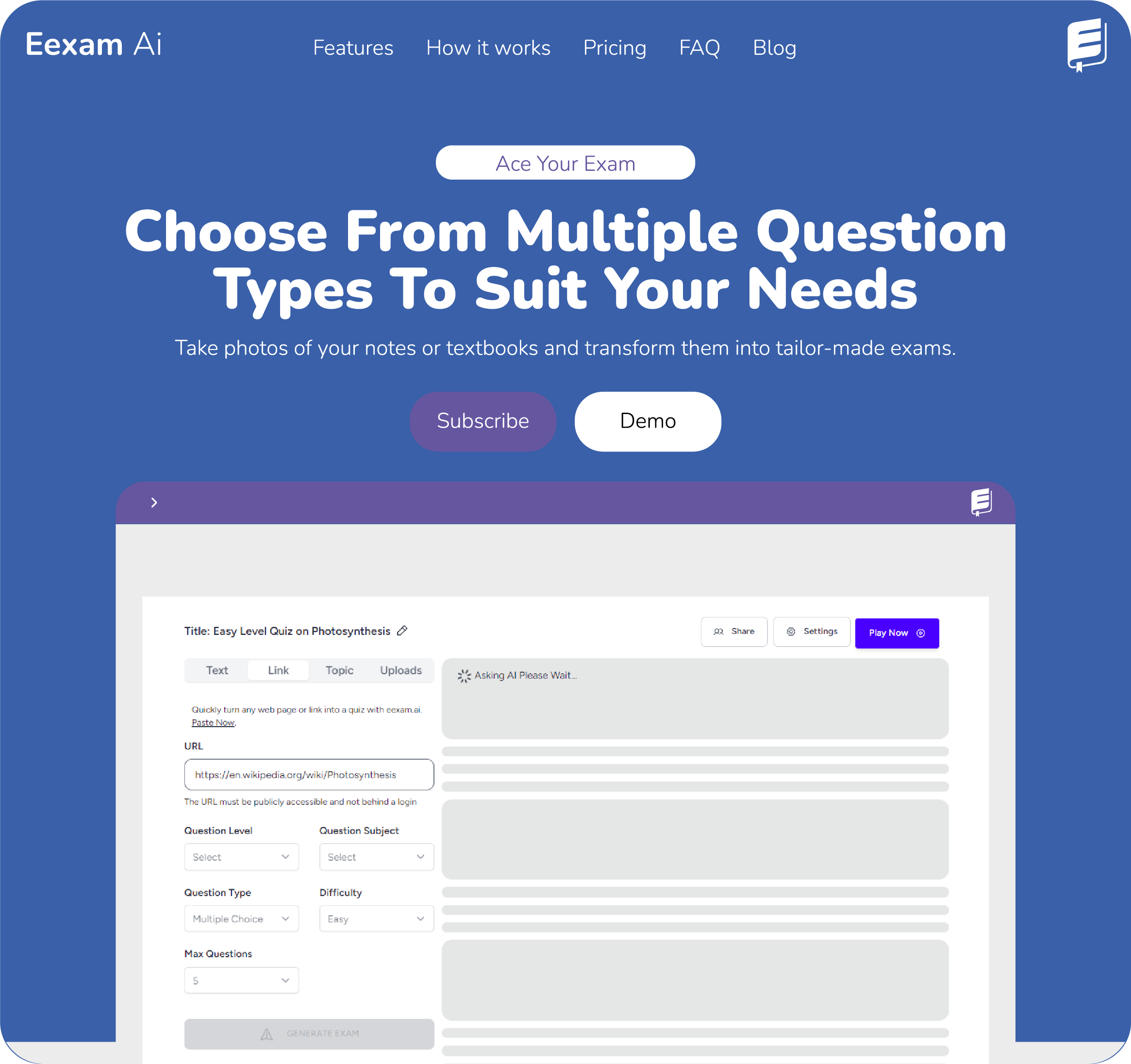
How to use the PDF to quiz converter in 3 steps
- 1
Upload your PDF
Drop in a PDF of lecture slides, notes, a textbook chapter or a revision guide. Word documents and photos of printed pages (JPG or PNG) work too.
- 2
Choose question type and difficulty
Pick multiple choice, true/false, short answer or essay, set the level and difficulty, and decide how many questions you want.
- 3
Practise or share the quiz
Take the quiz in exam mode, review explanations for anything you missed, or send a link so a class can attempt it.
Why use E-Exam as your PDF to quiz converter
Questions from your material only
Every question is written from the PDF you upload, so you revise exactly what your lecturer or syllabus covers.
Answers and explanations
Each question comes with a keyed answer and a short explanation, so a wrong answer becomes a quick lesson.
Harder than flash recall
Set the difficulty to hard and the AI writes application and analysis questions instead of simple definitions.
Export when you need to
Download the quiz as PDF, Excel, CSV, Aiken or QTI to print it or import it into your LMS.
Who it’s for
Students revising lecture slides
Turn a week of slides into a practice quiz the night before a test.
Teachers reusing course notes
Convert existing handouts into a marked class quiz without retyping anything.
Professional exam prep
Drill certification manuals and study guides chapter by chapter.